01
Try a public tool
Use Lentara right away to scan a document, compare payoff choices, organize a debt packet, or see a next step before you commit to anything else.
Self-serveLocal-firstMobile friendly

Lentara helps you understand real paperwork in the browser: scan a file, check the important fields, search plain-English guides, and choose packet help only when you want it.
Scan the file, confirm what matters, and move into a guided packet only when it makes sense.
Use Lentara right away to scan a document, compare payoff choices, organize a debt packet, or see a next step before you commit to anything else.
Start from a document, problem, or plain search term. The library points you toward the right explanation without making you guess the exact wording first.
When the paperwork points to a packet, choose the service you want and use a private link to send only the files needed for that work.
Consent-Lock is the privacy setup behind the public tools. It keeps the first step local, then clearly separates private scanning from actions that send something out.
The egress guard is simple: actions that send information outward require a clear click, checkbox, or secure-packet step. That keeps browsing, scanning, and comparing separate from sharing.
The goal is simple: read the document, spot useful fields, and ask fewer follow-up questions.
Lentara also has a separate overview for teams that handle document-heavy work. Keeping that page separate lets this one stay simple for the public tools.
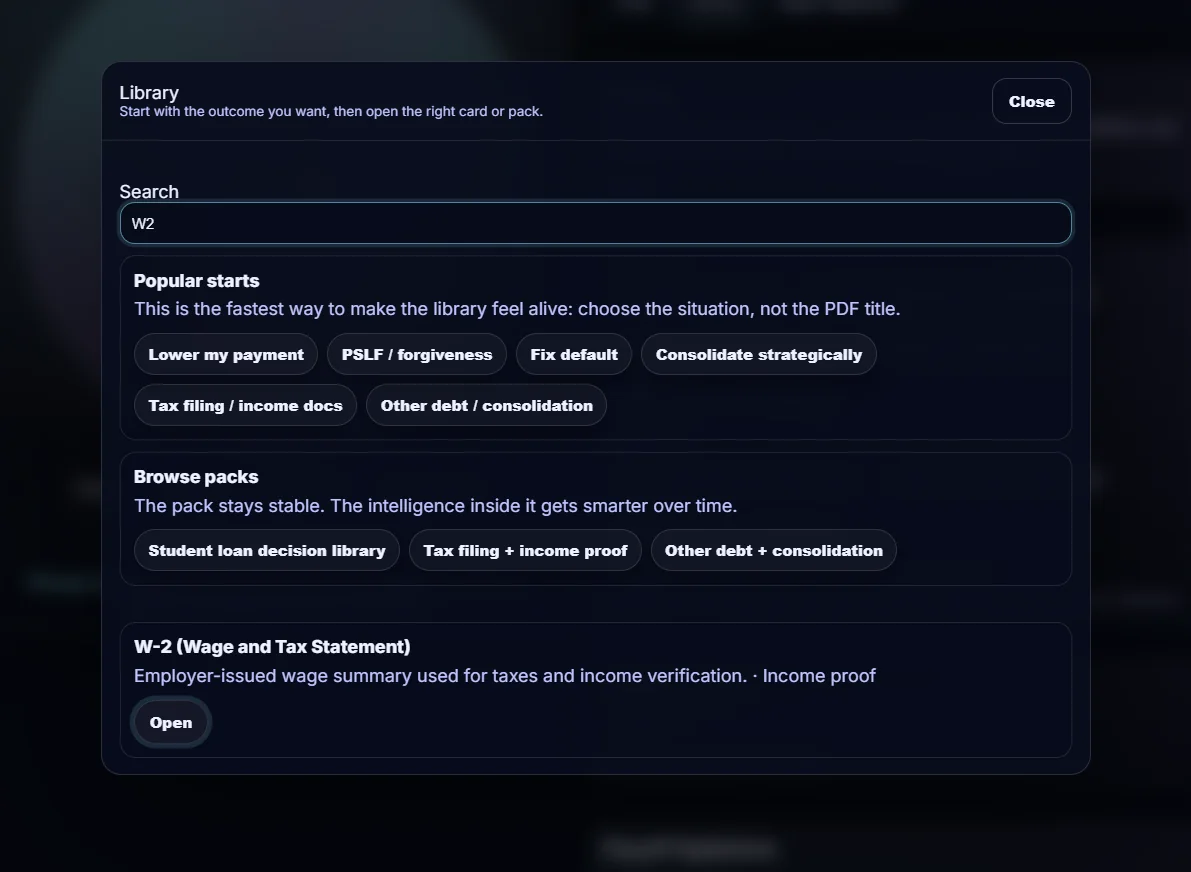
The library works whether you know the document name or only know the problem you are trying to solve.
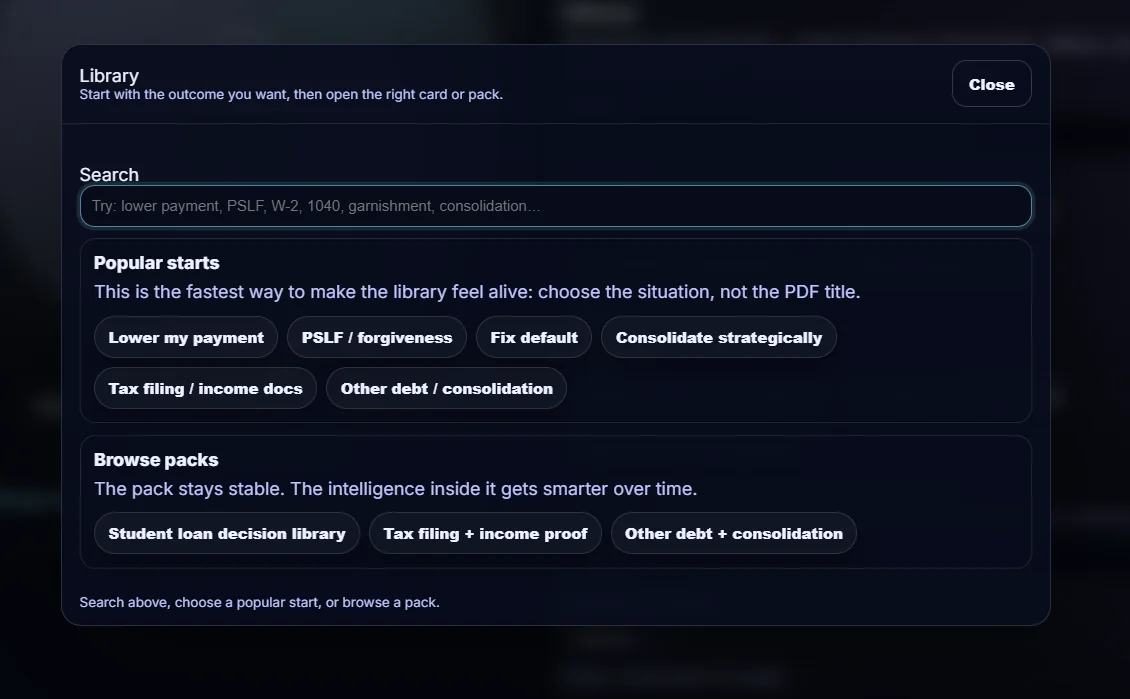
Popular starts make it easier to begin from real life: lower payment, PSLF, tax filing, W-9, COI, and similar needs.
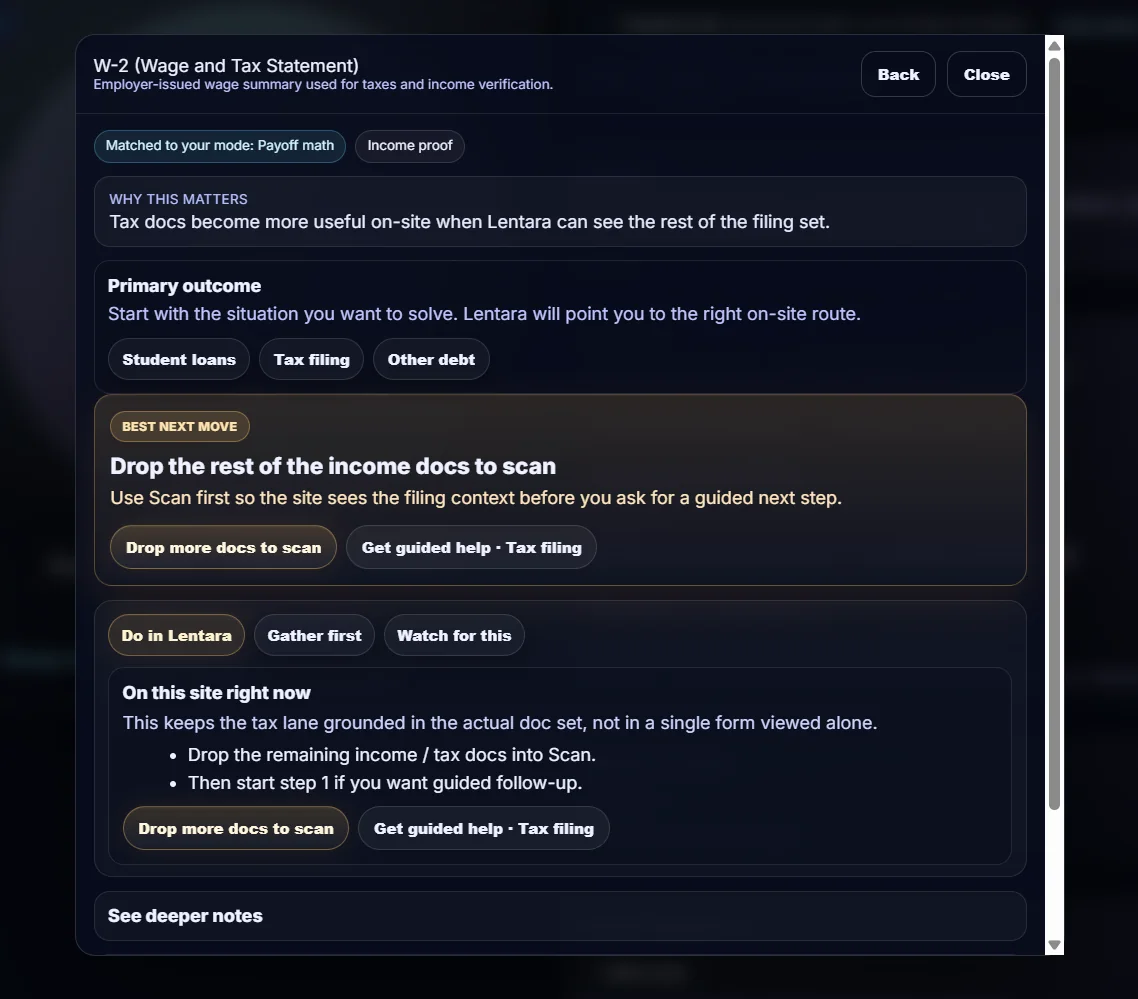
Each card keeps the plain explanation, what to gather, and the next useful action in one place.
A plain-English guide for borrowers facing payment shock, IDR choices, consolidation questions, or default timing.
A focused comparison page that explains where RAP fits, when IBR may still matter, and why the packet should be checked before choosing.
A vendor-onboarding guide that explains what usually gets checked, what blocks acceptance, and what to send now.
A proof-of-coverage guide for certificate holder, insured-name, expiration, and missing-item checks.
Scan first, then choose help if the result points to a packet or review.
If your team handles document-heavy work, Lentara has a separate business overview.